
Growing Ecosystem of Connectors
Cuva's connector ecosystem expands continuously, adding new application categories and deeper integrations across enterprise tools.
Connect Core Enterprise Applications
Integrate CRM, communication, documentation, and storage platforms seamlessly.
Enable Cross-System Workflows
Power automated workflows that span multiple applications and data sources.
Secure Authentication & Control
OAuth, token-based security, and permission inheritance for enterprise-grade access.
Connector Capabilities
Connect across all your enterprise application categories with purpose-built integrations.
CRM
Sync client data, activity logs, tasks, pipelines, and communication histories from platforms like Salesforce, HubSpot, and Pipedrive.
Collaboration
Integrate collaboration tools such as Confluence, Jira, and Asana to centralize teamwork and project activity.
Productivity
Connect productivity apps — Microsoft Word, Excel, PowerPoint, Google Sheets — to enable document-aware workflows.
File Storage
Access and manage files from Google Drive, OneDrive, SharePoint, Dropbox, and FTP sources within workflows.
Integrate Gmail, Outlook, Mailchimp, and other email platforms for automated communication and notifications.
Communication
Connect real-time communication platforms such as Slack, Teams, Zoom, Google Meet, WebEx, and Vonage to power conversational workflows.
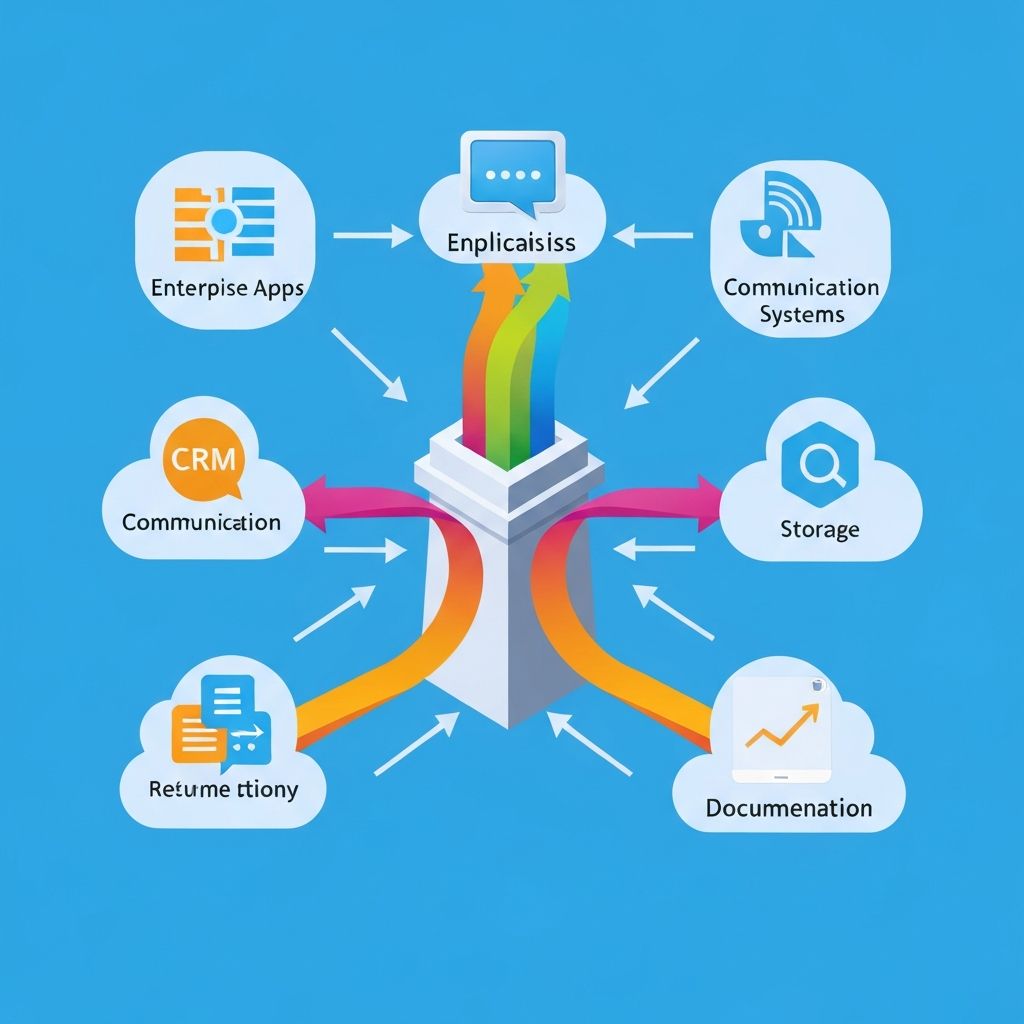
Unify your enterprise applications into one knowledge and workflow layer.
How It Works
Connect your enterprise applications in three simple steps.
Authenticate
Authenticate your apps securely using OAuth, ensuring enterprise-grade security and controlled access.
Configure
Configure your connectors by selecting the required operations and defining inputs and outputs to match your workflow needs.
Enable Agents & Workflows
Agents automate the desired operations across all connected applications, enabling end-to-end workflows with consistency and control.
Enable end-to-end workflows across applications and departments
Application Connectors make it possible to automate end-to-end workflows across multiple applications and departments, helping teams work together more efficiently with less manual effort.
Key Benefits
- Unified view of enterprise information
- Faster automation deployment
- Improved team collaboration
- Reduced operational overhead
- Foundational building blocks for workflow orchestration
- Enables agents to access, sync, and reason over enterprise data
Security & Governance
Enterprise-grade security built into every connection.
OAuth & Token-Based Security
Secure authentication using industry-standard OAuth protocols and token-based access control.
Permission Inheritance
Respect existing permission structures from connected applications for consistent access control.
Encrypted Communication
All data in transit and at rest is encrypted using enterprise-grade encryption standards.
Ready to connect your enterprise applications?
Unify your business tools and enable intelligent workflows across your organization.